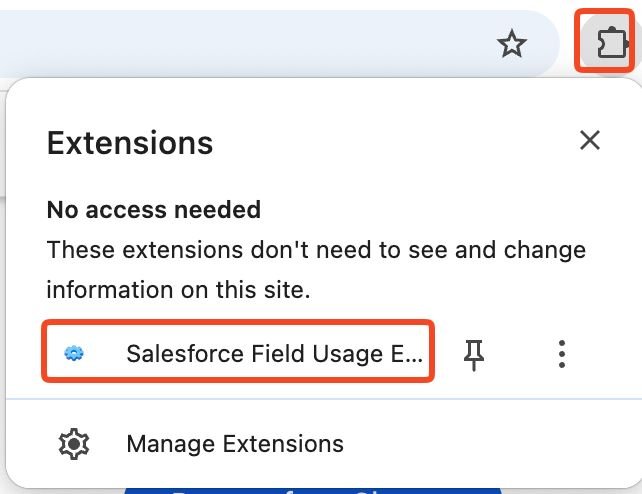
I just released a small browser extension for Salesforce admins focused on one problem: understanding whether fields are actually used in a real org.
There used to be a free app called FieldTrip from Ringlead in the App Exchange, but it is no longer available. Alternative apps such as FieldSpy, Cuneiform and extensions such as SF Explorer, Inspector Reloaded and now, SFDX Hardis, are filling the gap to a degree. 🙏
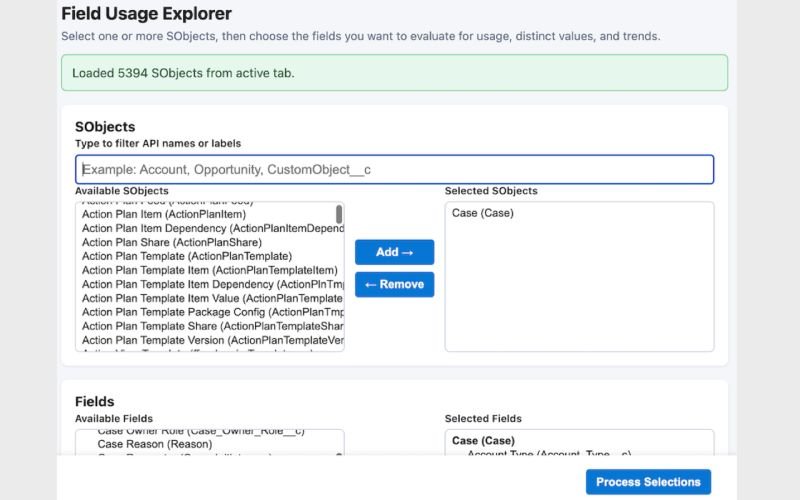
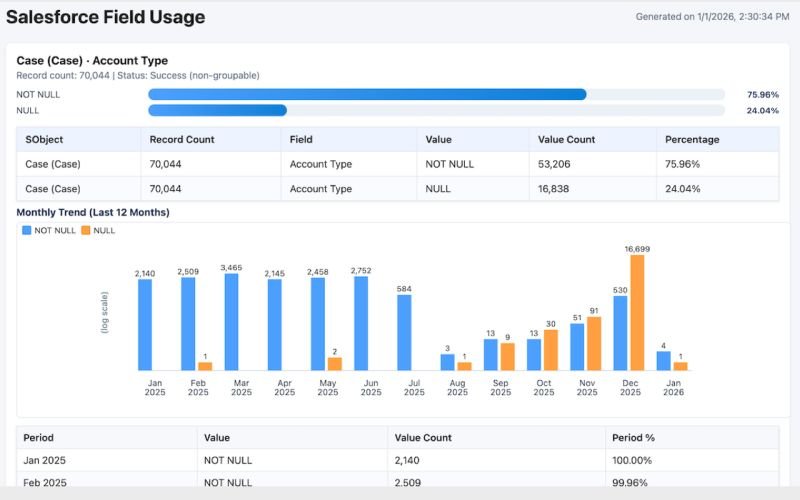
This new extension attempts a few different approaches to the challenge of identifying unused fields in an org. It runs targeted SOQL queries and query plans to generate a local HTML report with charts that show:
👉 Percent of NULL values per field to surface unused or underused fields
👉 Distinct value distributions to catch low-quality or misleading data
👉 Monthly usage to spot trends and adoption changes or fields that quietly went inactive
👉 estimates the record counts/nulls via query plan rather than directly running the query (hopefully avoiding timeouts in huge orgs, getting faster results within 95% accuracy).
Like other Salesforce-focused extensions, it simply reuses the active session from the Salesforce tab by reading the existing session cookies. There are no backend calls other than consuming a few Salesforce REST/Tooling API requests on your org.
Anyone can inspect the full source code here:
🔗 https://lnkd.in/g4J-VhRQ
You could build reports and dashboards to get similar answers but this is an automated way to do it, with charts included, without setting up multiple reports. Pick sObjects, pick fields, run, and review the output.
The goal is practical cleanup: deciding what fields/values can be deprecated, where validation or training is missing, and where data quality is drifting over time.
It outputs a standalone report in a new tab with tables and charts and you can print it to PDF.
Feedback from admins dealing with that kind of technical debt is welcome! 🙏
LINK to the extension at the Chrome Web Store:
🔗 https://lnkd.in/gecEN5wn