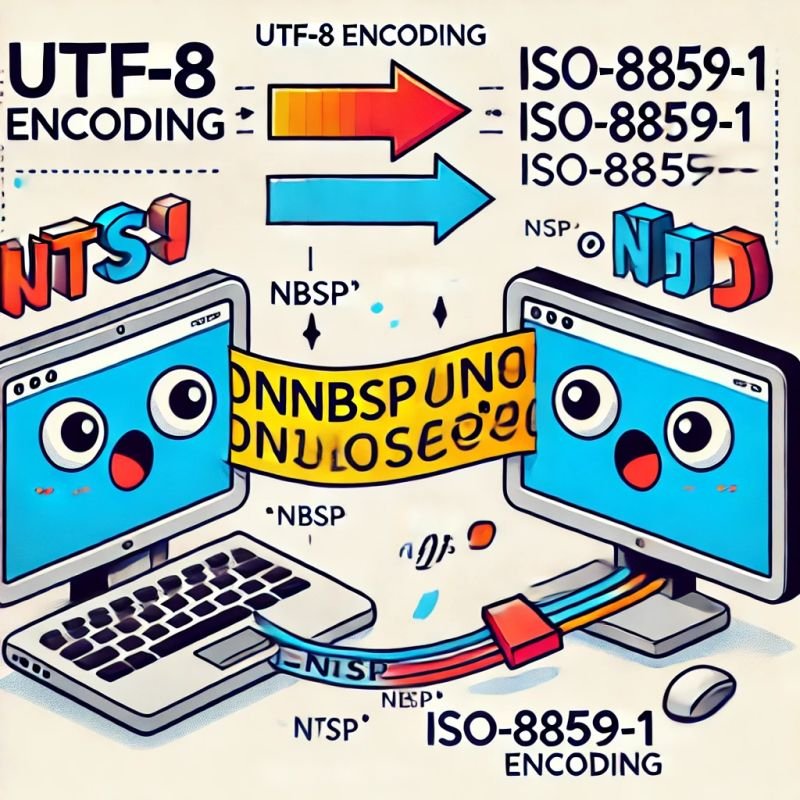
🤔 Ever Wondered Why Strange Characters Like “” Appear During Data Migration?
This week, I've learned why unexpected characters like “” sometimes show up in data—even when no one typed them!
💻➡️💻 When we move data from one system to another (data migration), sometimes the way computers interpret data doesn’t line up. Every character you see on your screen—letters, numbers, symbols—is actually represented by numbers inside the computer. This numbering system is called “character encoding.”
🔢 There are various encoding standards, such as ASCII, UTF-8, ISO-8859-1, and Windows-1252. Think of them as different languages that computers use to represent text.
One special character is the non-breaking space (NBSP). It’s like a regular space but prevents a line of text from being split at the space when wrapping text. In some encoding systems like ISO-8859-1 and Windows-1252, the NBSP is represented by the number 160 (or 0xA0 in hexadecimal). In HTML, you might recognize it as .
In UTF-8, which is widely used on the web, the NBSP is represented by two numbers: 194 and 160 (or 0xC2 0xA0 in hexadecimal).
🚨 Here’s where things go awry:
• If data encoded in UTF-8 (using 0xC2 0xA0 for NBSP) is read by a system expecting ISO-8859-1 encoding, the system misinterprets these numbers.
• The first number, 0xC2, is interpreted as “” in ISO-8859-1.
• The second number, 0xA0, correctly represents the NBSP in ISO-8859-1.
So, the “” appears because the data was originally encoded in UTF-8 but was later read or processed as if it were in ISO-8859-1 or Windows-1252. This mismatch causes the computer to display unexpected characters.
💡 The Takeaway: Always ensure that the character encoding is consistent throughout the data migration process. Double-checking encoding settings can save you from puzzling over strange characters later on.