🦾🤖 Did you know you can run AI locally and offline without sending data to OpenAI, Google or Anthropic?
These tools are now very easy to install and run. They allow you to use LLMs without worrying about sending sensitive data to a third party.
You can make them chat with your own documents too (Retrieval-Augmented Generation).
You can even configure your VSCode to use the local LLMs as your coding copilot.
After installing, you just need to choose a LLM to run and they take care of downloading the GGUF file that contains the model. These files are downloaded from the HuggingFace repository and usually range from 4 to 8Gb, so make sure you have that space available.
There were a few instances where these models' responses were superior to paid GPT4o, such as when I asked to write a PowerShell script to split a CSV file (Meta's Llama was better at it).
Here are my favorite options - you can install one or more of these:
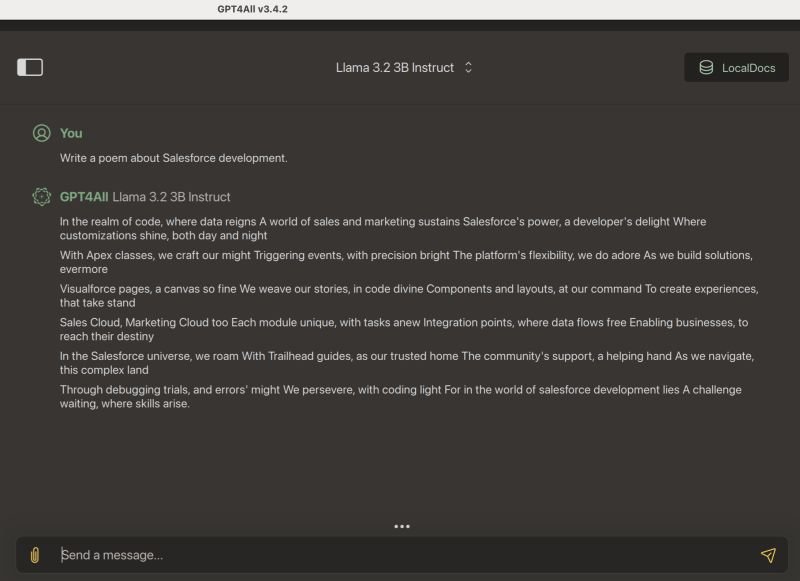
👉🏽 GPT4All (https://lnkd.in/gAdJvfUS)
This one has a good balance of UI and features. It was the first convenient option to run LLMs locally. It is updated often. The only limitation I've found is that it only lists Q_4 models (the minimum quantization required to have a decent response).
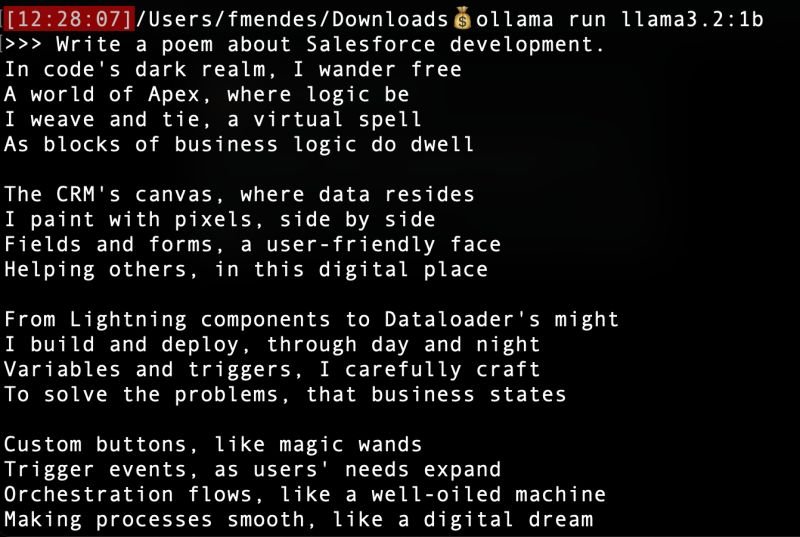
👉🏽 Ollama (https://ollama.com/)
This one is a command-line tool. Just open the Terminal and type ollama run <name of the model> and it will download it as needed, then execute it.
It is specially suitable for scripting and automation.
It is usually good to run with these 2 open source models from Meta: llama3.1 or llama3.2:1b
Or you can run with Google's LLM: gemma2
Here is a list of available models: https://lnkd.in/gsuwmfmm
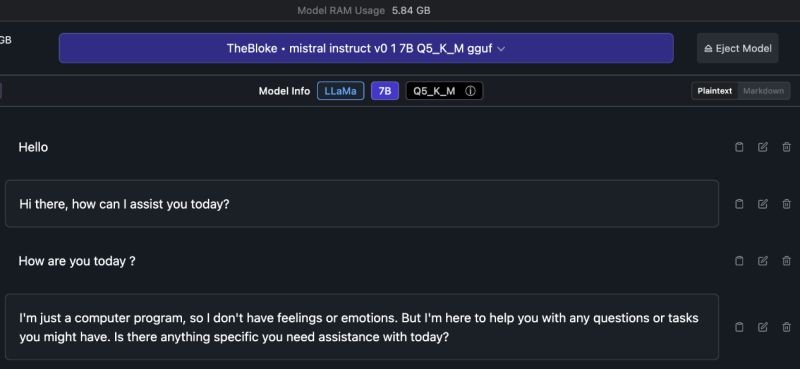
👉🏽 LM Studio (https://lmstudio.ai/)
This one has a very polished UI and runs on most platforms except Mac Intel.
It has a nice UI to find LLMs and download them from HuggingFace repositories.
There are other options but I haven't experimented too much with them since these 3 above met all my needs.
Examples: HuggingFace Transformers (Python library), Langchain (AI library), Llama.cpp (fastest), Oobabooga's TextGen, ...
Notes about models:
✅ Prefer the ones marked Q_4 or higher. The models with lower quantization bits are a lot less precise. Quantization is the process that reduces the original models to a size that fits most personal computers.
✅ Prefer the ones prefixed with _K_M or _K_L. K stands for K-Means, which is the clustering method that improves accuracy and M/L stands for Medium and Large (better).
So Q_8_K_L is better (and larger file) than Q_8, for example.