Breathing new life into old hardware with Linux
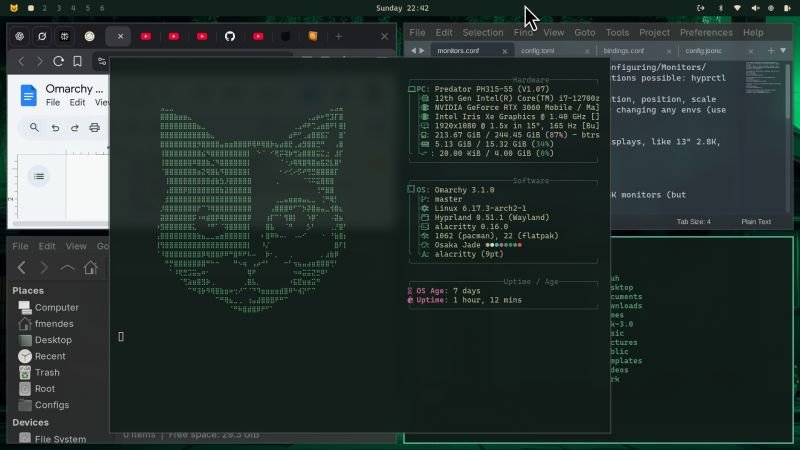
I’ve been experimenting with Omarchy Linux, a pre-configured Arch Linux distribution built by David Heinemeier Hansson (DHH, creator of Ruby on Rails) for developers who want a productive environment out of the box.
Omarchy ships with a curated choice of system and developer tools. It was built for people who prefer keyboard-driven workflows and configuration done via text files over GUIs.
I got a 2012 Intel MacBook stuck on MacOS Catalina, which can no longer run the latest versions of essential software like browsers.
So I've first installed Omarchy on it and it ran surprisingly well. Later, I installed it on a newer laptop and got identical results: fast and smooth.
One thing that stood out was how flexible it is. Using Bottles, I was able to run several Windows applications seamlessly inside Omarchy - even games.
And with tools like Docker, which runs natively on Linux, it’s even possible to containerize or emulate entire Windows environments.
The setup is very reproducible and scriptable. Most of configs are in plain text files that you can version-control. Shortcuts can be mapped for virtually any action.
Inspired by that, I reconfigured my macOS workflow to mimic the same efficiency:
- Multiple desktops + gestures for workspace switching
- Installed Raycast for instant commands and custom shortcuts
It was a very positive experience. A step above my previous incursions in the Linux desktop world. And it made my ancient hardware into a fast, modern dev workstation.